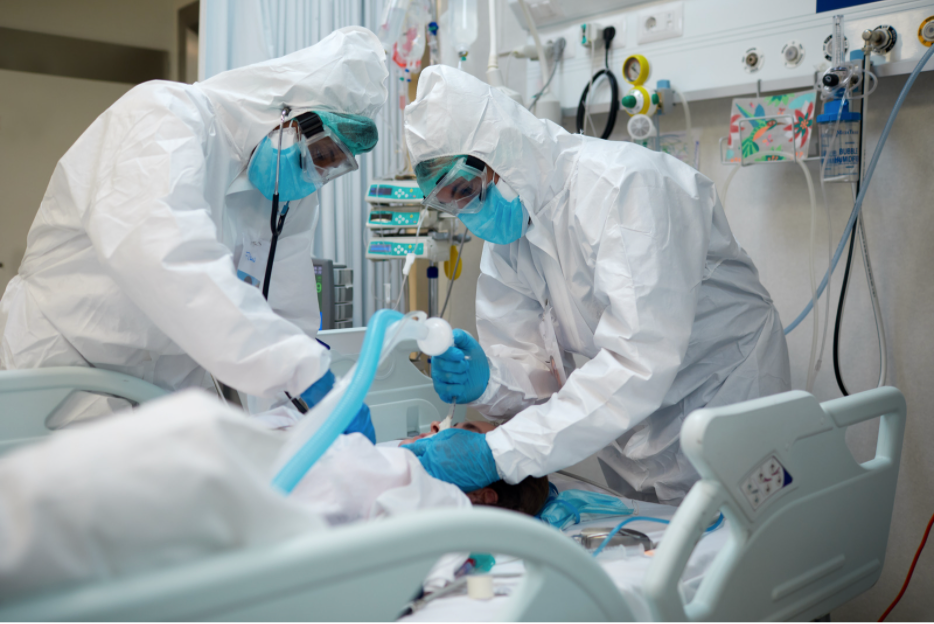
The “Q word” is taboo in acute care for a reason. A shift may seem quiet, then the emergency department suddenly fills with new patients. Clinicians can rarely expect a slow, predictable day. Change is the only constant, so they need the flexibility to respond quickly.
An acute care collaboration platform must support that flexibility and encourage agility. Every second matters during a code or patient alarm. Clinicians should not have to struggle with the tools designed to speed communication.
Nurses and physicians also cannot always reach a landline or desktop computer. They may be transporting a patient, working in the operating room, or moving through a hallway or cafeteria. In these situations, inefficient communication workflows can waste valuable time.
1. Critical Alerts and Alerting Integrations
Plenty of alerting integrations exist to help support clinicians, but one stands out in the context of emergent situations. Critical Alerts, a designation of an alert, allow incoming messages to override a user’s device volume settings. Similar to an AMBER alert, Critical Alerts on iOS devices will sound off and display on a user’s screen, even if the device is muted or on Do Not Disturb mode. A clinician who is on their break or with another patient can still receive urgent, important messages using this capability.
2. Broadcast to the Care Team
One-to-many messages, or broadcasts, are an excellent tool for urgently communicating a message to many colleagues and functional teams at once. Whether a message is intended for one patient’s care team, a particular unit, an entire facility, or across multiple facilities within a healthcare system, a single tap of the screen will alert the correct team members every time.
3. Launch Points to Trigger Response Team
Create an InterApp Launch Point to trigger a call to a specific contact, unit, or team. In specific situations, clinicians can quickly initiate a call with designated teams and team members, such as an incoming stroke alert to the ED, whereas stroke unit team members and/or emergency operators are contacted to mobilize and prepare for a patient’s arrival.
Users in MH-CURE® can favorite specific contacts that they collaborate with frequently. But by creating a launch point for teams or specific users, clinicians have better control over calling workflows. In urgent situations, they will never need to scroll a list or search the directory to find a teammate—at the tap of a button they’ll connect and collaborate.
4. Panic Button for Quick Calling
If your organization is leveraging a modular collaboration platform, consider adding panic button capability. A simple panic button cuts down on time spent making decisions about who should be communicating what and when, so that clinicians can better focus on responding to an emergent situation. Placing the panic button at the point of care, in the hands of the care team member, allows for an easy transition from routine to emergency workflow.
5. QuickPicks for Rapid Texting
Sometimes the only course of action is to send a text message. Rather than losing out on time by fumbling over a keyboard, take advantage of pre-written messages and auto-filled patient details for added context. Rather than typing out a lengthy text, tap a few pre-formed, customizable QuickPicks and send immediately.
The common denominator among many of these capabilities is an emphasis on what works best for the patient, the clinicians, and the care environment. By putting the patient at the center of every workflow, clinicians can more quickly and effortlessly collaborate with colleagues, at the direct point of care. To learn more about how your organization can eliminate the barriers to quick collaboration, contact our clinical mobility team.